|
How to set up USAIP on Windows XP using our connection tool
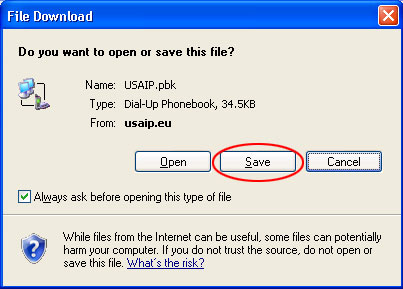
Download our connection tool from http://www.usaip.eu/en/USAIP.pbk
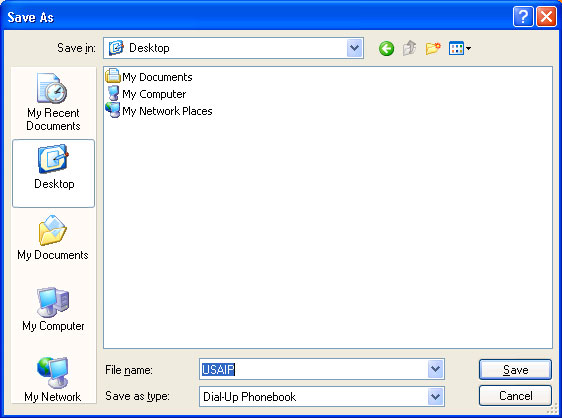
Save the file on your desktop. (DO NOT OPEN IT DIRECTLY FROM THE WEB)
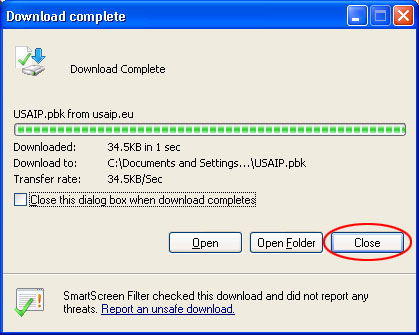
Locate the USAIP icon on your desktop and start it.

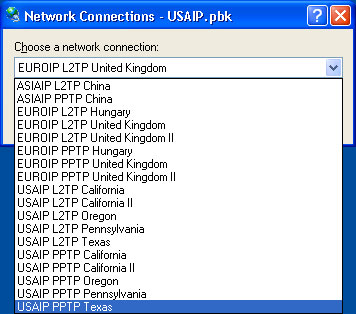
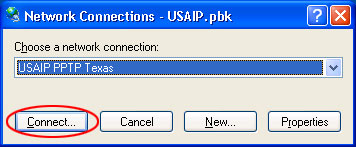
Select the location and connection type from the dropdown. Make sure to initially select PPTP and proceed to L2TP only if you have problems, but in that case please skip forward to downloading the registry file from our site.
Click connect.
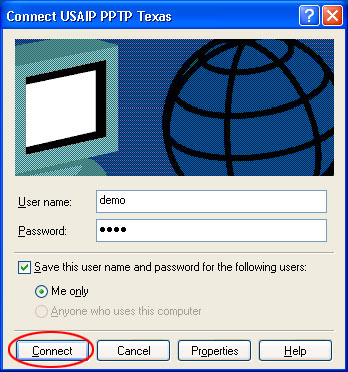
Enter your username and password and click connect.
... and you are connected.

To disconnect, click on the USAIP icon.
To disconnect, click on the USAIP icon. The active connection is already pre-selected. Click hang up.

Click yes.

If you get the following message: Error 678 the remote computer did not respond,
Switch to L2TP connection types.
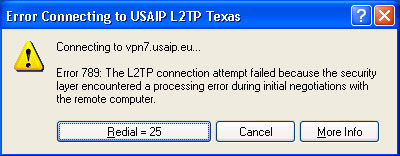
If you get the following message: ERROR 789
You may enounter this error, when trying to connect using L2TP on Windows XP. To make Windows XP compatible with our L2TP connection, please follow these steps:
On our website locate the red hand icon in the middle column and click on the link.
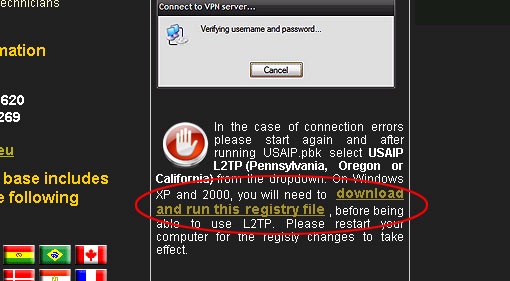
Click run.
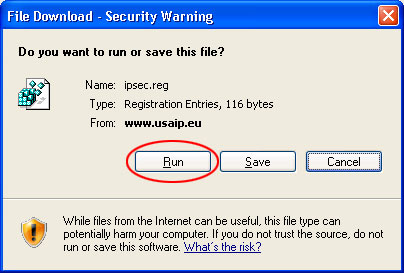
Click yes.

Click ok.
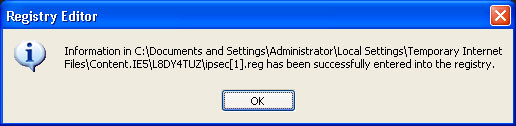
Continue connecting with L2TP.


|